Printer pe “Cutter jammed” aa raha hai?
Printer ne khud bataya hai ki uska blade chalte-chalte beech mein atak gaya. Wajah lagbhag hamesha ek hi hoti hai: cutter ke channel mein jama paper ke tukde ya dhool. EasyKOT Desktop App printing rok deta hai taaki atke hue blade pe tickets na phenke jaaye. Slot 5 minute ke andar saaf ho jaaye toh sab apne aap print ho jaata hai; zyada der lage toh Print dabana padta hai.
Printer chale ya na chale, sale save ho chuki hai. Desktop App bill pehle apne andar save karta hai, print uske baad. Har symptom ki poori table mein baaki saare cases hain.
Blade ke raaste mein kuch hai, aur printer ko pata hai.
- Cutter channel mein paper ke tukde. Har partial cut thodi dhool aur kabhi-kabhi ek mudi hui kataran chhod deta hai. Busy counter pe yeh mahino tak jama hota rehta hai, jab tak blade poora chal hi nahi paata.
- Cut hote waqt slip kheench li. Cut ke beech mein paper kheench lo, toh paper ka ek tukda blade ke saath phans sakta hai. Jo printer kal tak cut kar raha tha aur aaj ruk gaya, wahan aksar yahi hua hai.
Pehle yeh karo.
Kuch bhi chhoone se pehle printer band karo
Aapki ungliyan slot mein hon aur cutter wapas apni jagah chal pade: yahi chot bachane ke liye yeh step hai. Har baar pehle power off.
Cover kholo aur kachra nikaalo
Roll bahar nikaalo, aur jis channel mein blade chalta hai wahan se paper ke tukde aur mudi hui kataran saaf karo. Blade ko kisi metal cheez se mat hilao. Blade aaram se nahi hilta, toh zor lagane ki jagah saamne manual release dial dhoondo.
Printer on karo aur blade ko wapas set hone do
Zyada tar printer start-up pe ek routine chalate hain jo atke blade ko uski parked jagah pe le aata hai. Isliye aksar power cycle hi poori repair hai. Roll wapas baithao, cover click hone tak band karo, aur printer khud ready bolega.
Queue khaali hone do, phir test print chalao
Settings → Printers & KDS mein jo tickets abhi 5 minute ke andar hain, woh line se apne aap print ho jaate hain; purane ke liye Print dabao. Printer ki row ka Test print usi partial cut pe khatam hota hai jo har bill pe lagta hai, toh ek tap mein cutter confirm ho jaata hai.
Printer ki row kya bolti hai.
Settings → Printers & KDS mein har printer ki apni row hoti hai. Us row pe status green dot se nahi, seedhe words mein likha aata hai. Is problem ke exact words yeh hain.
- Jab tak problem hai: “Cutter jammed”, saath mein line “Clear the cutter slot and power-cycle.” Jab tak yeh hai, printing ruki rehti hai. Pending tickets atke blade pe phenke nahi jaate, hold pe rehte hain.
- Fix hone ke baad: “Connected”. Jo tickets abhi 5 minute ke andar hain, woh line se print ho jaate hain; purane ke liye Print dabao.
Slips judi hui nikal rahi hain par row pe koi problem nahi dikh rahi? Toh yeh aapka page nahi hai. Woh printer hai jismein auto-cutter hi nahi, ya jo cut command ignore karta hai, aur uska alag guide hai.
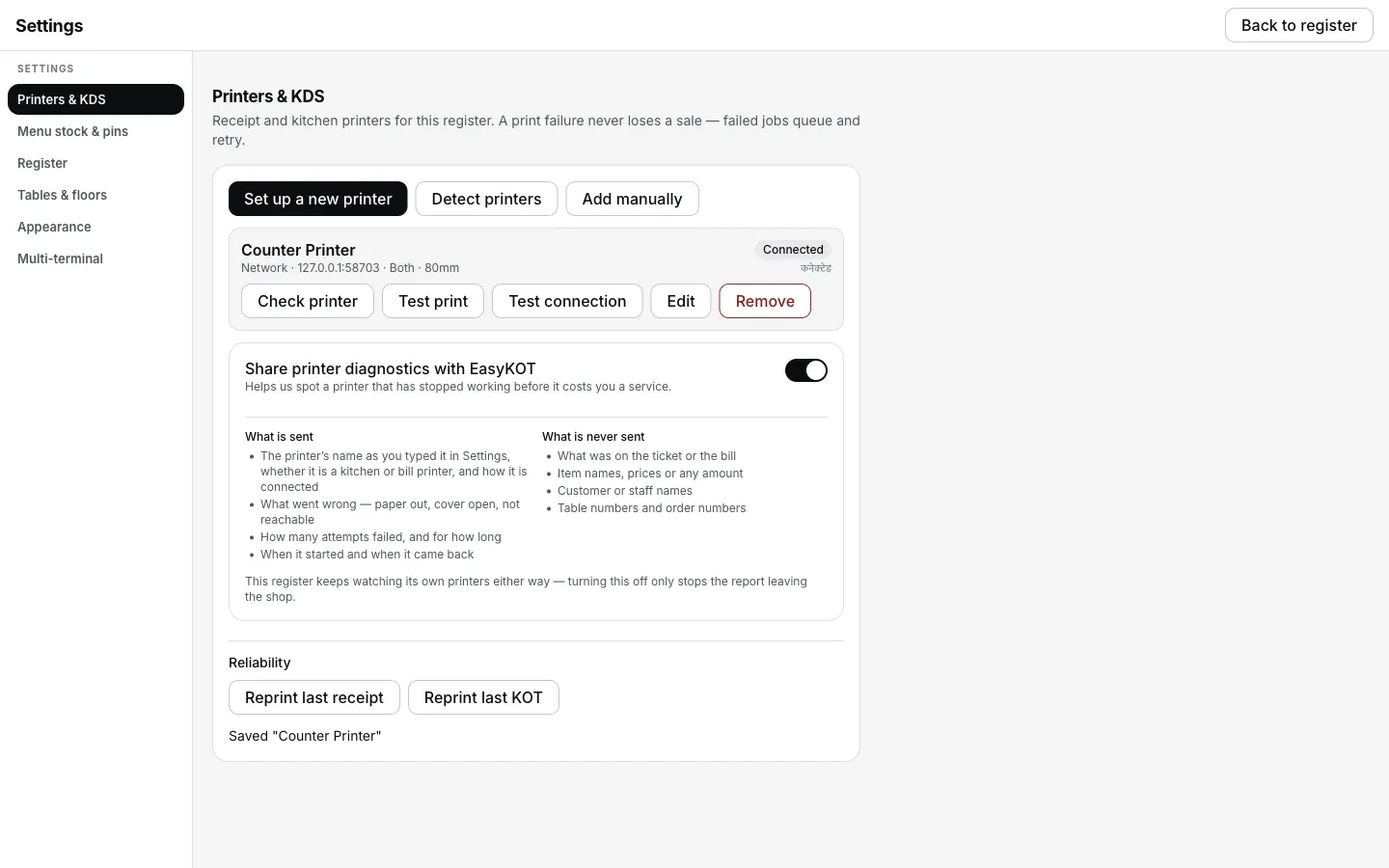
Power on hone pe cutter wapas set ho gaya, row pe Connected. Aur kuch dabana nahi.
Jo ticket chhoot gaya, woh kaise nikle.
- Pause tickets ko hold karta hai, fail nahi karta — par hamesha ke liye nahi. Held jobs ki line mein jagah waisi hi rehti hai. Jam 5 minute ke andar clear ho toh khud print ho jaate hain, warna Print dabana padta hai. Order se kuch dobara fire nahi karna.
- Aadhi kati slips bhi valid bill hain. Perforation pe jude 2 invoice, apne-apne number wale 2 printed bill hain. Alag phaad lo. Record ke liye kuch reprint nahi karna.
- Service chalu rakhni hai, toh ticket kahin aur bhejo. Queue row pe Send to another printer se ticket kisi bhi doosre connected printer pe chala jaata hai. Kitchen ko paper milta rahega, blade baad mein dekh lena.
Printer ka cutter atak gaya: log aur kya poochte hain
Blade ko haath se kheench ke nikaal sakte hain?
Cutter dobara na atke, uske liye kya kare?
Jammed bol raha hai, par slot mein kuch dikh nahi raha.
Yeh nahi tha? Toh yeh dekho.
Printer cut nahi kar raha
Slips judi hui, par koi fault report nahi: model mein cutter hi nahi, ya woh command ignore karta hai.
Cutter check karo →Paper out
Doosra reported pause: roll dobara daalo aur queue ko catch up karne do.
Roll daalo →Cover open
1 millimetre khula lid zyada tar printers ko chup-chaap rok deta hai. Desktop App chup nahi rehta.
Cover band karo →Saare printer guides guides hub pe milenge.
3 mahine try kare, phir plan chune.
Restaurant ka kaam hum samajhte hain, kyunki shuruaat bhi wahin se hui. 3 mahine free try kare, bina card details. Hamari kahani padhe.