Your whole menu, as one link.
menu.easykot.com/
Flip one switch in the dashboard and your restaurant's menu is live at menu.easykot.com: sections, dishes, Half/Full prices, search, Veg and Non-veg filters. The prices are the ones you bill, and a change in Menu & stock reaches the link within about a minute. Send the link on WhatsApp, put the QR on the table, or drop the menu into your own website.
Menu only, no ordering or payment · trial and paid stores alike · nothing for the diner to install
Four looks. Switch in one tap.
Pick a template in the dashboard and the preview changes right there. All four share the search, the filters and the floating Menu button; only the style differs. Each look comes in 6 colours: Chilli, Saffron, Leaf, Indigo, Plum, Ink.
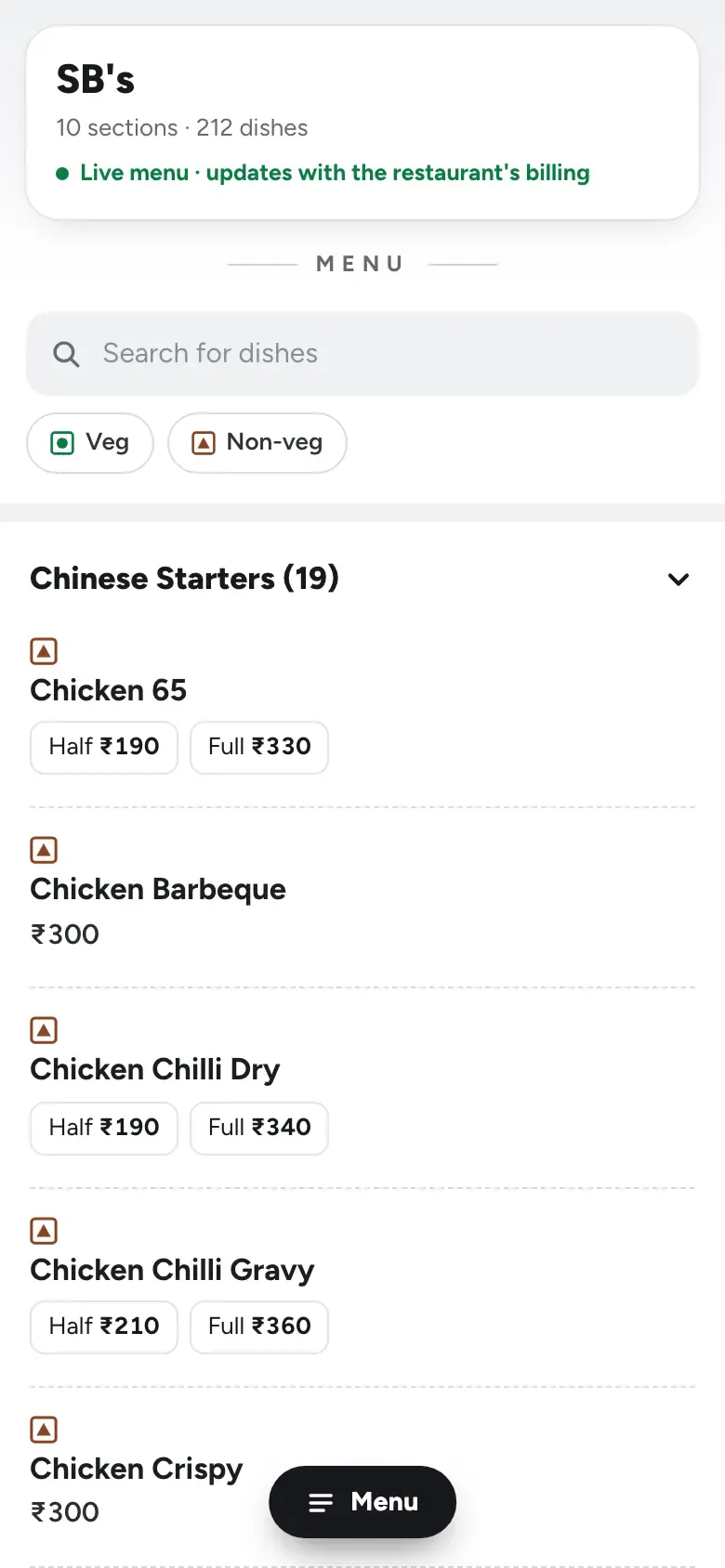
Simple
The default. Reads like a delivery app: collapsible sections, price under the name.
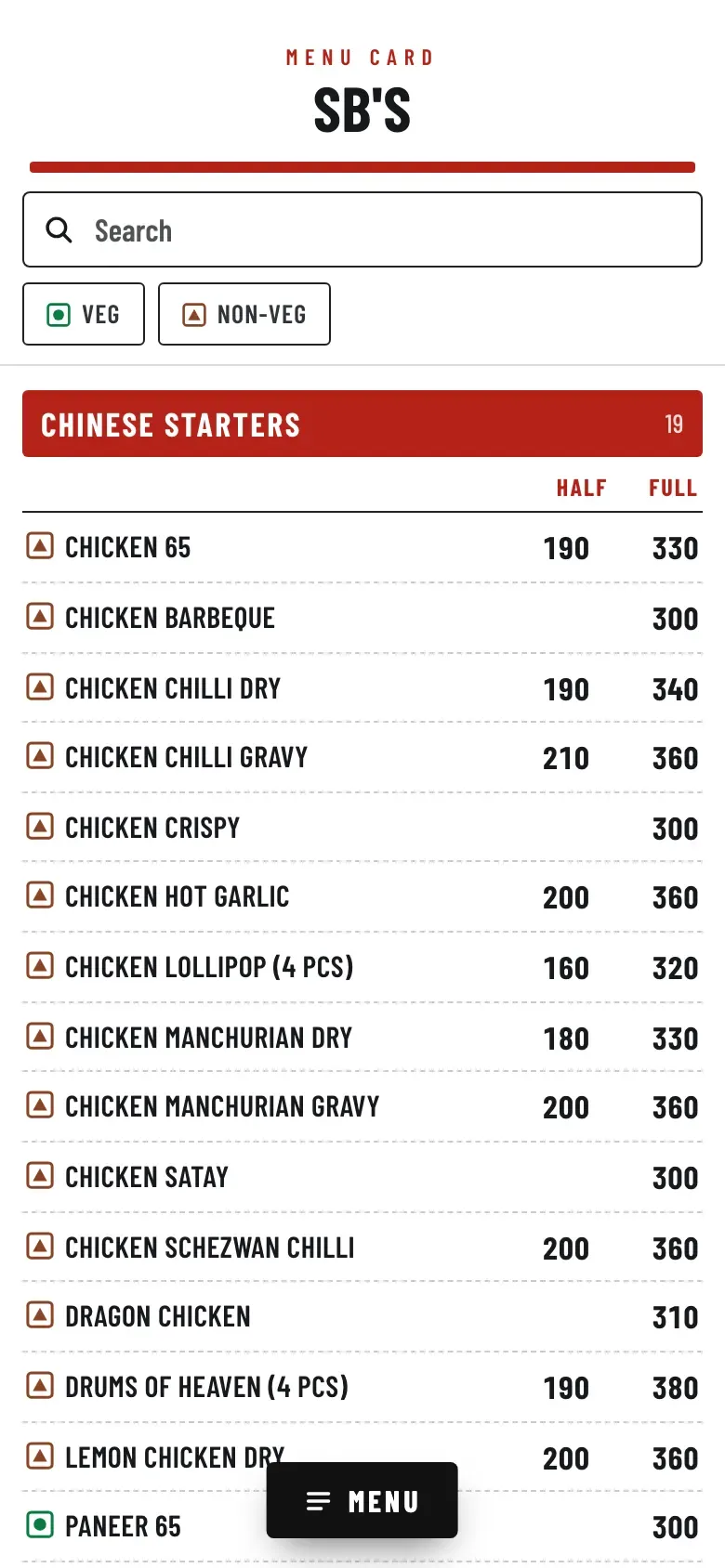
Rate card
Big menus priced by portion: Quarter, Half and Full sit in columns.
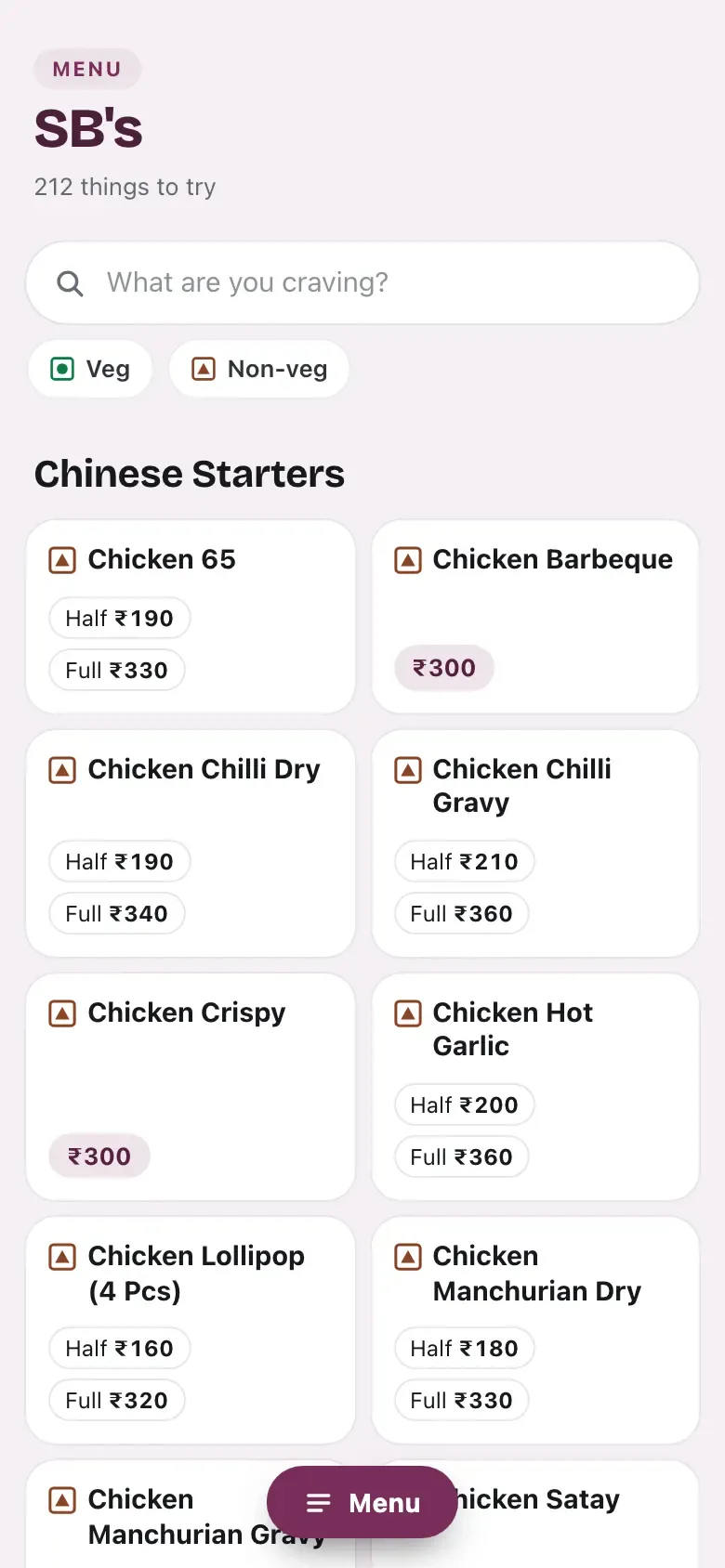
Café
Cafés and quick-service places: bestsellers first, descriptions on cards.
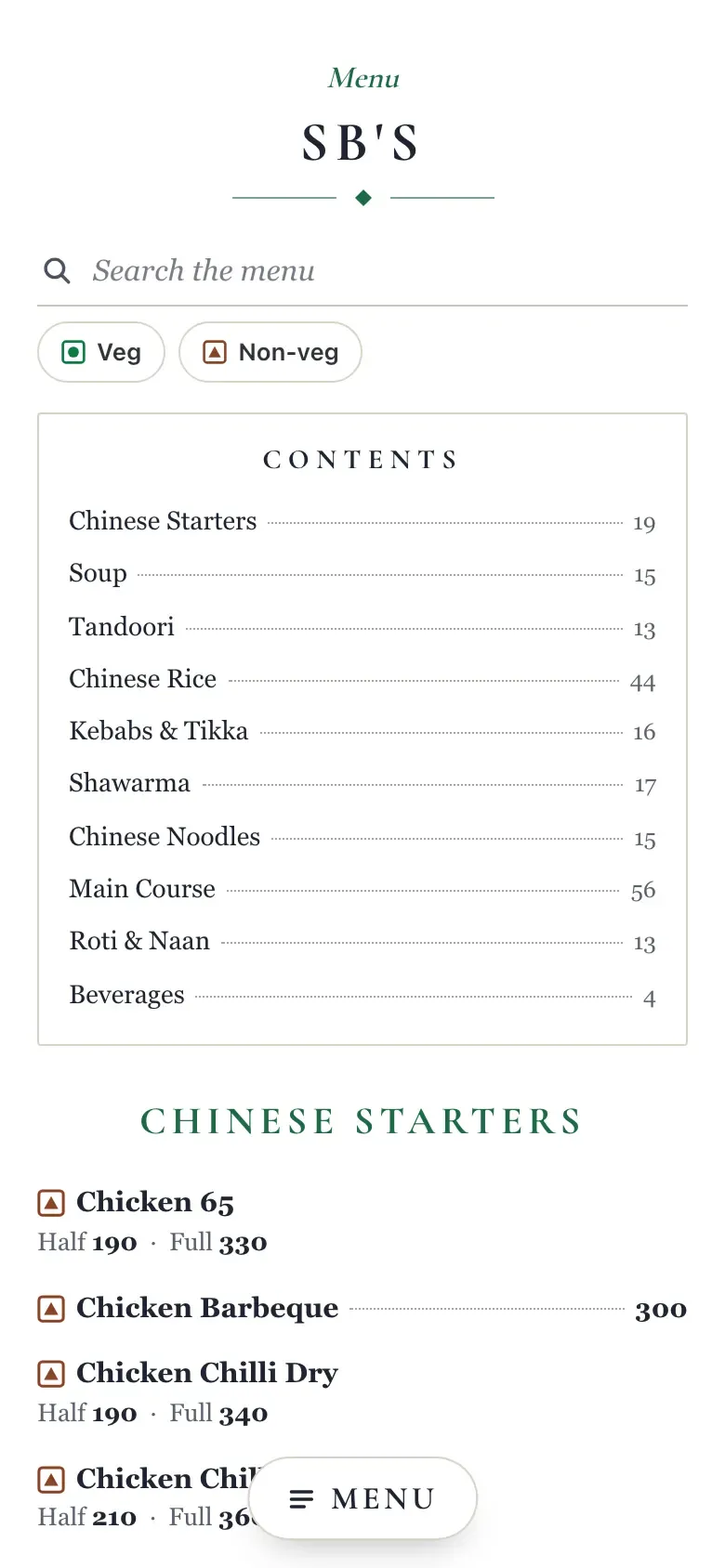
Classic
Family and fine-dining rooms that want a printed menu card.
The billing price, updated on its own.
- The price is the price you bill. The link is built from Menu & stock: Half/Full prices, options and add-ons, exactly what the Desktop App has. No second menu to type.
- Updated within a minute. Change a price or reorder a section in the dashboard, or switch a dish off from the dashboard or the Desktop App, and nothing needs publishing. The page is cached for 60 seconds, that is all.
- A stock-out shows, it does not vanish. Switch a dish off in Menu & stock and the link marks it “Not available today”. Switch it back on and it is back as it was.
- Search, a Menu button, filters. Diners search by name and tap the floating Menu button for a “Jump to” list of sections. The Veg / Non-veg filters appear once every dish carries a mark. A dish you pinned in Menu & stock is shown as a bestseller, and a “Bestseller” filter appears.
- Charge lines stay hidden. Bill-only lines such as parcel charge or packing are off the link by default, and “Hidden lines” lets you hide or show any section or dish yourself.
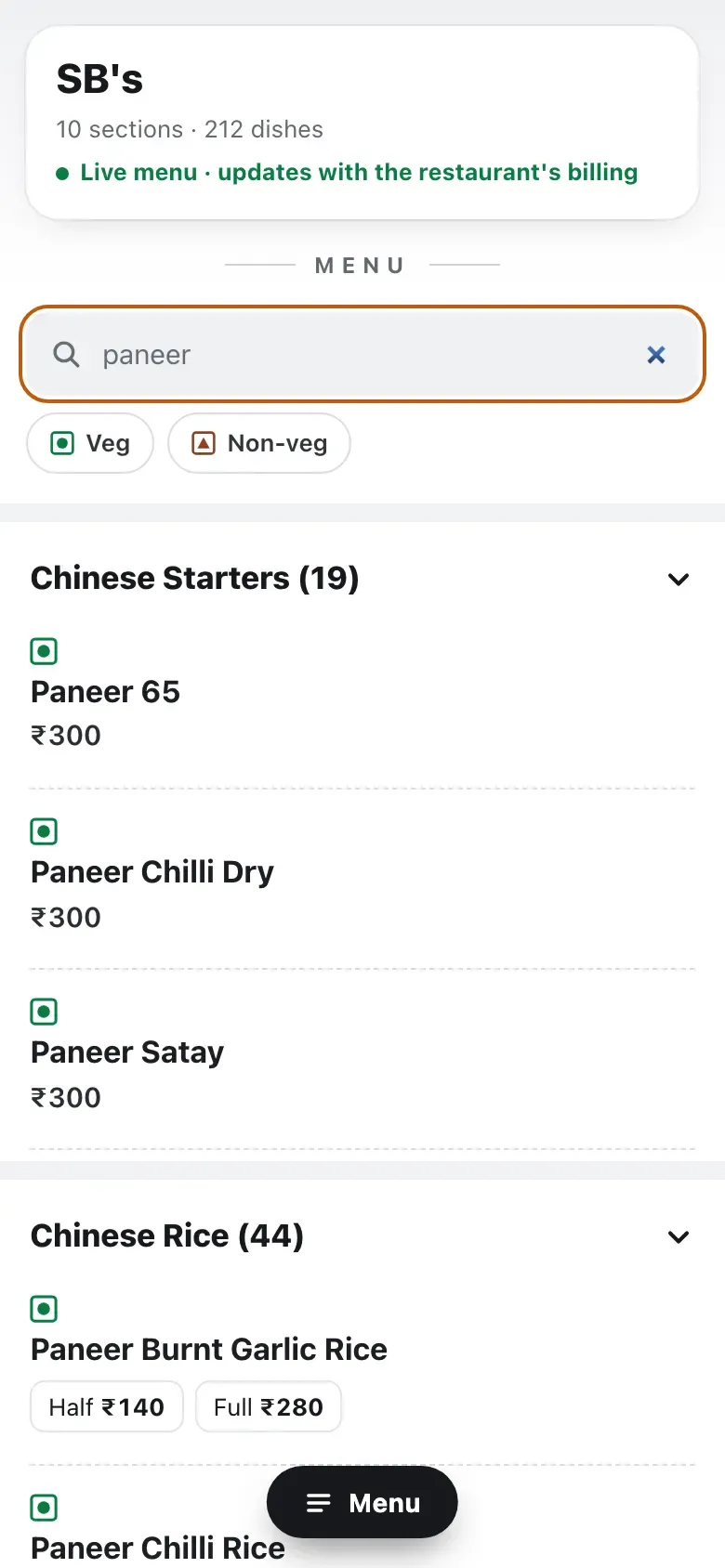
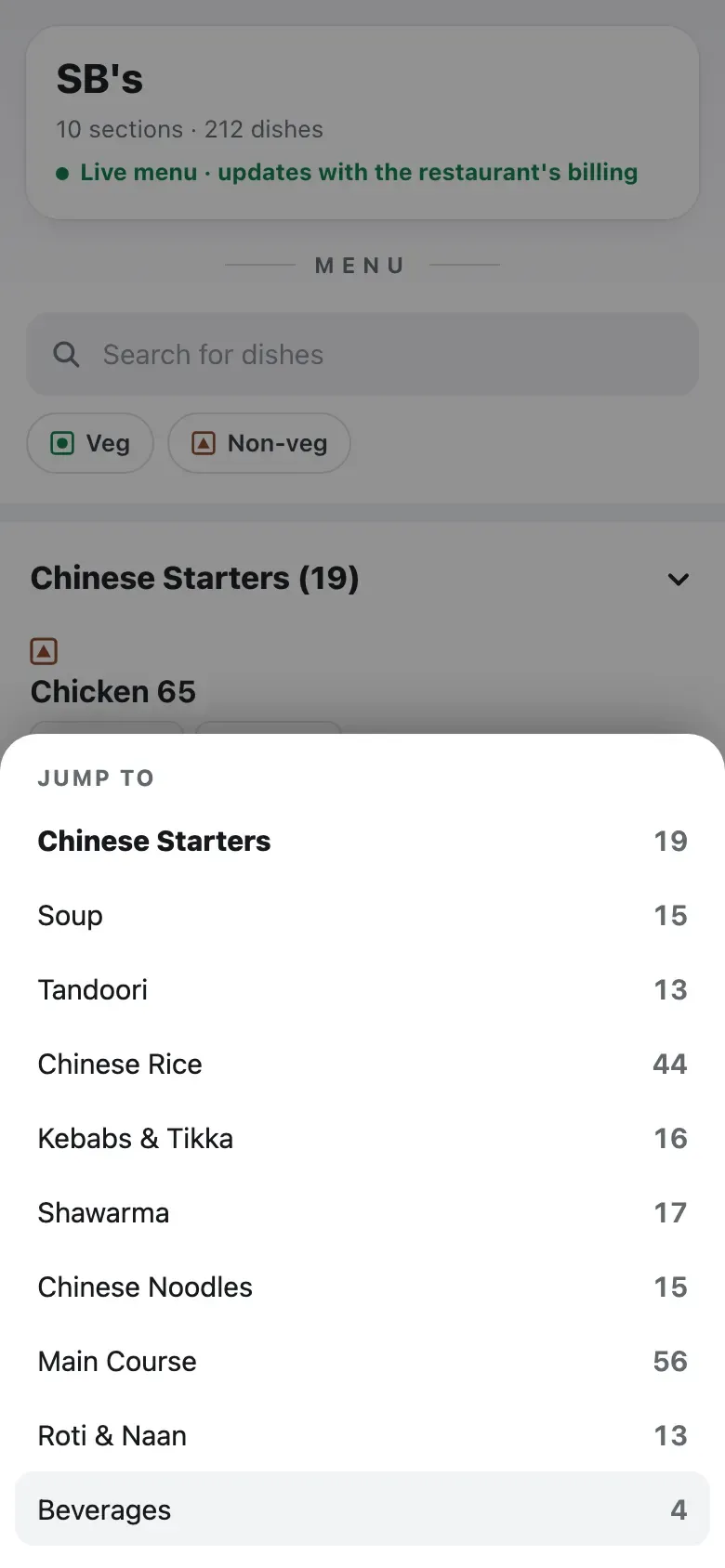
Three steps, nothing to install.
- 01
Switch it on
Open “Online menu” in the dashboard and set “Menu link is on”. The link is made from your restaurant's name, and “Link address” lets you change it. Before you switch on, the “Menu check” list tells you how many dishes have no mark, no section, or a ₹0 price.
- 02
Pick a look
Simple, Rate card, Café or Classic, and one colour. The preview on the same page shows your real menu, even before the switch is on.
- 03
Share it
Copy the link, take the QR with “Download QR”, or copy the “Button link” and “Menu inside your page” snippets for your website.
A link, a QR, or your own website.
- LinkWhatsApp, Instagram, your Google profile
- menu.easykot.com/your-restaurant. On your WhatsApp status, in the Instagram bio, on the Google Business profile, wherever a customer asks "send me the menu".
- QRFrom the table tent to the parcel
- "Download QR" gives you a PNG. On the table, at the counter, on the menu board, on the parcel bag. A scan opens the full menu, no app needed.
- WebsiteA button or the whole menu, copy and paste
- "Button link" is a "View our menu" button. "Menu inside your page" shows the whole live menu inside your page, with an "Open the full menu" link under it. Send it to your developer; no plugin needed.
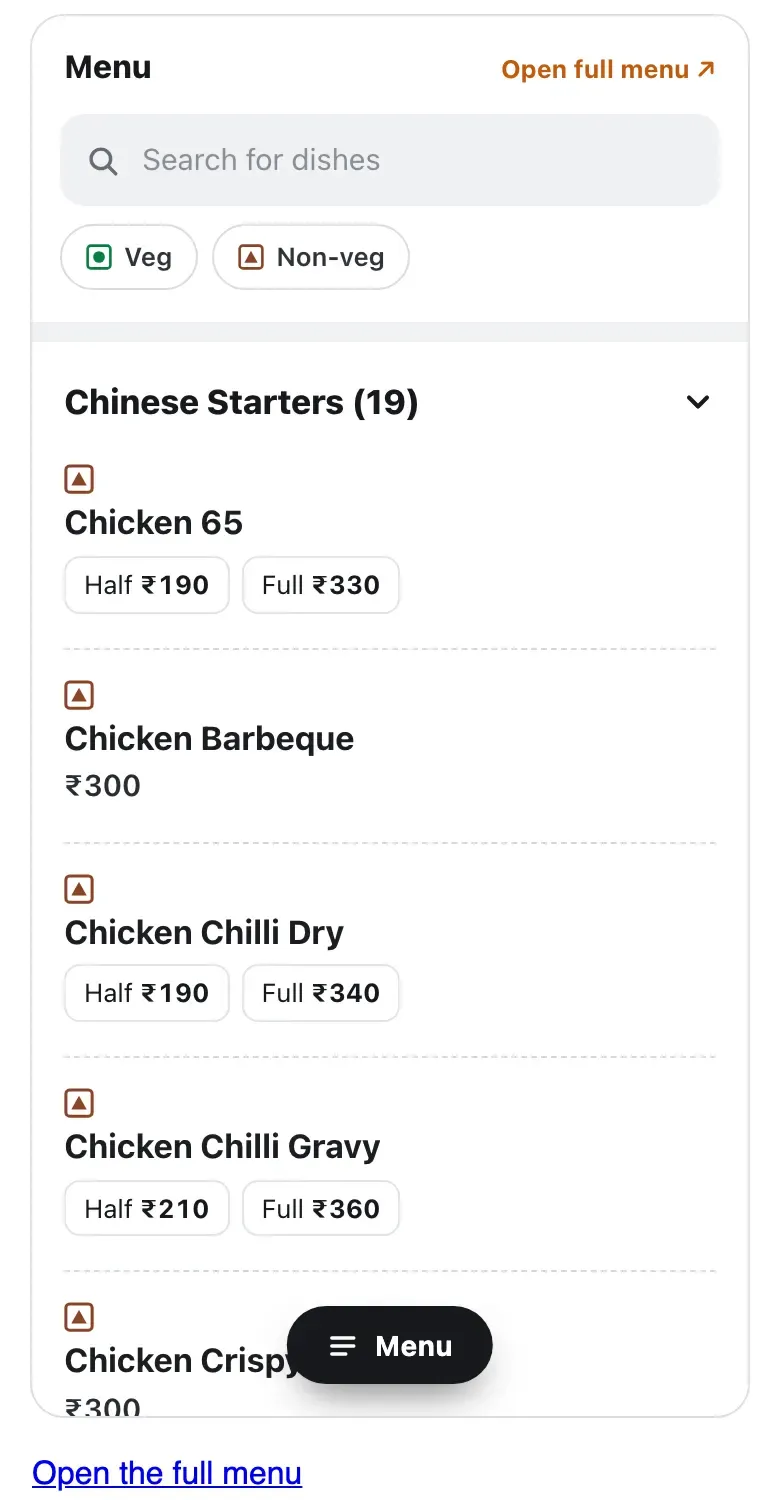
Straight answers.
Can a diner order or pay from the link?
Can I add dish photos?
Is the online menu charged separately?
Can I change the link's name?
Why don't I see the Veg / Non-veg filters?
Will lines like parcel charge or packing show on the menu?
Do I need a developer to put it on my website?
Will the menu show up on Google?
If the restaurant's internet goes down, does the link go down?
Menu not in EasyKOT yet? Import it from a PDF or photo, then switch the link on. The whole setup: signup to first bill.
Run it 3 months, then pay for it.
Three months free, full product, no card. Made in India, for the counter: built inside a running restaurant.